Business Plan Scenarios (what If's)
Model the Real World
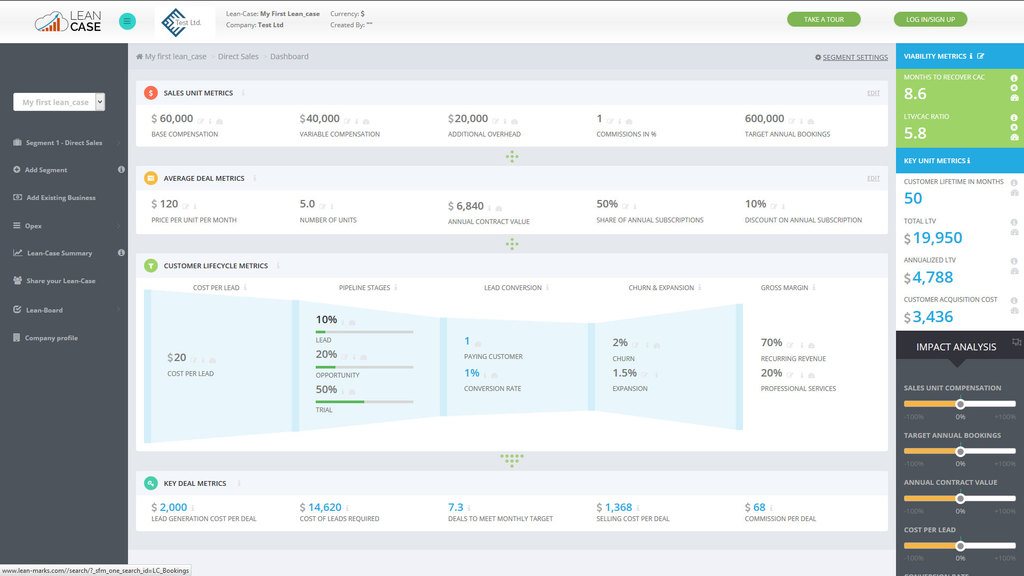
Lean-Case allows you to model the real world – as it unfolds in various business scenarios. For example, let’s say you want to figure out how to double your revenues.
If your model is in Excel – all you need to do is double your advertising or the number of salespeople – and your sales will double.

Create Scenarios
But that’s not how it works in the real world. In real life, it’s about incremental improvements in many different steps.
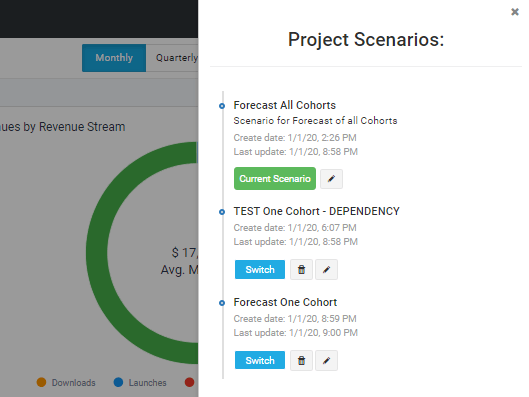
With Lean-Case, you can run as many Business Plan Scenarios as you wish – seeing how realistic changes in different variables changes the final figures.
Ask Unlimited "What If" Questions
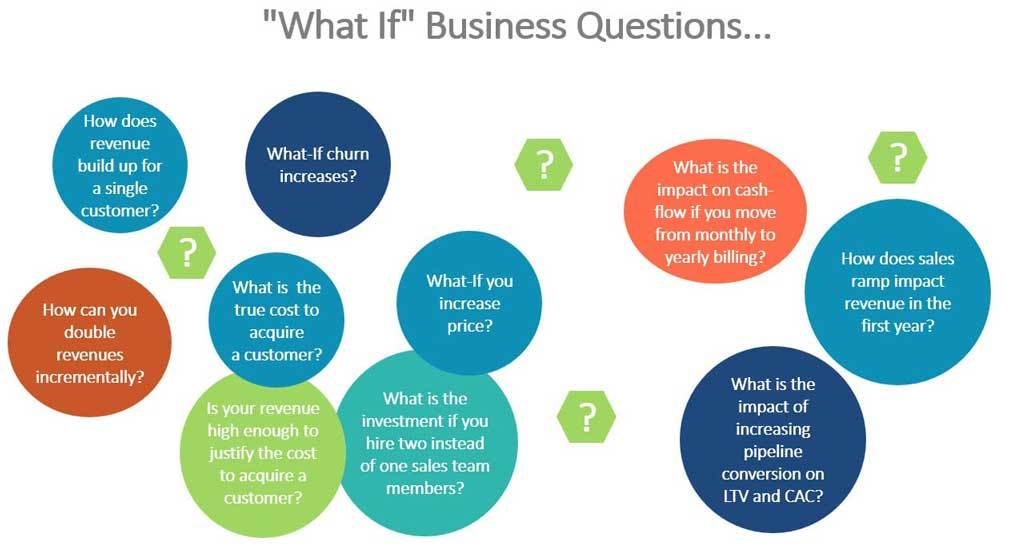
You can also ask an unlimited number of "What If" questions in your new scenarios ... What if churn increases? What if we increase our prices? How will moving from monthly to yearly billing affect cash flow?
Sharing - Reporting - Exporting
Put Precise Numbers to the Viability, Profitability, and Fundability of Your Business
Sharing
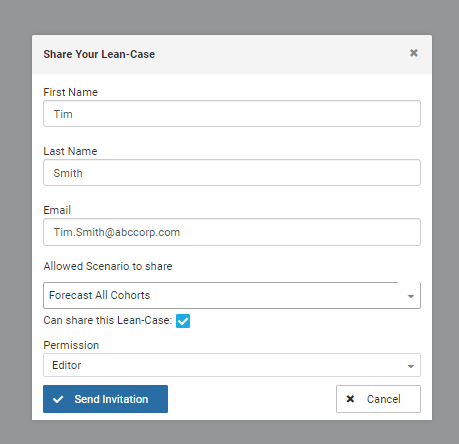
You can share your Lean-Case projects, and set permissions for each user. You can also select which “Scenarios” are shared with them.
Reporting
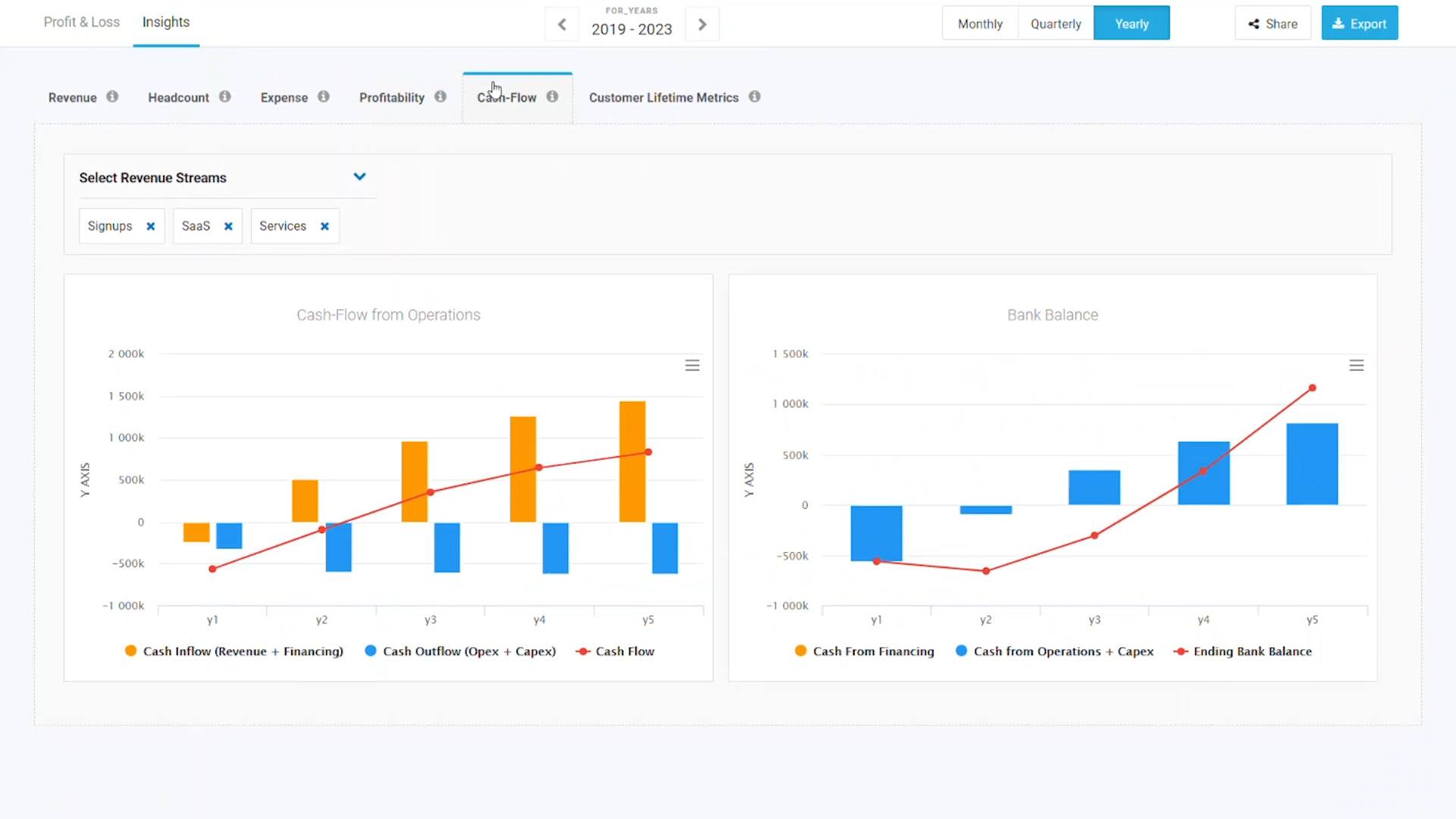
The Dashboard is broken into 3 sections: Profit & Loss – Insights – and Key Metrics.
Within each of these, you can explore many different views of your data.
See summary reports of your profit & loss summary, paying customers, cash flow, and key metrics. Or review detailed level reports, or comparison reports from dozens of viewpoints.
Data Exporting
Lean-Case also provides exporting functionality for all data calculated in Lean-Case. You can export the charts, or the data from each chart.
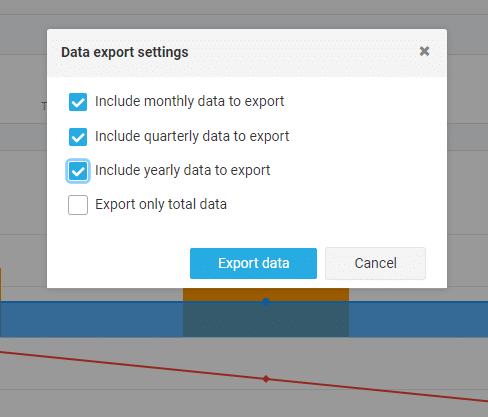
From any Check Page and your Profit & Loss statements, you can export monthly, quarterly, yearly, or only the “totals” data.
From the Insights menu, you can download the data for every chart – allowing you to create the charts in Excel.
and For Stakeholders That Require It:
Export Complete Business Plan to Excel
Even though Lean-Case is a far superior way to create business plans and scenarios - there are still stakeholders that require your business plan in Excel.
You may need to submit a spreadsheet for a bank loan, or send to VCs for funding consideration. And if you are a consultant, you can amaze your clients with the most comprehensive business plan in Excel they have ever seen.
Lean-Case allows you to download the full model - so you'll have a fully editable Excel sheet of your entire business plan.
Start Your FREE
Lean-Case 7-Day Trial Today...
Click on the “Start My FREE 7-Day Trial” button above… discover the viability of
any business idea in 20 minutes – and create your business plan in 2 hours or less…
(No "Excel Hell" required!)