Option A: Create Your Business Plan from Scratch
01
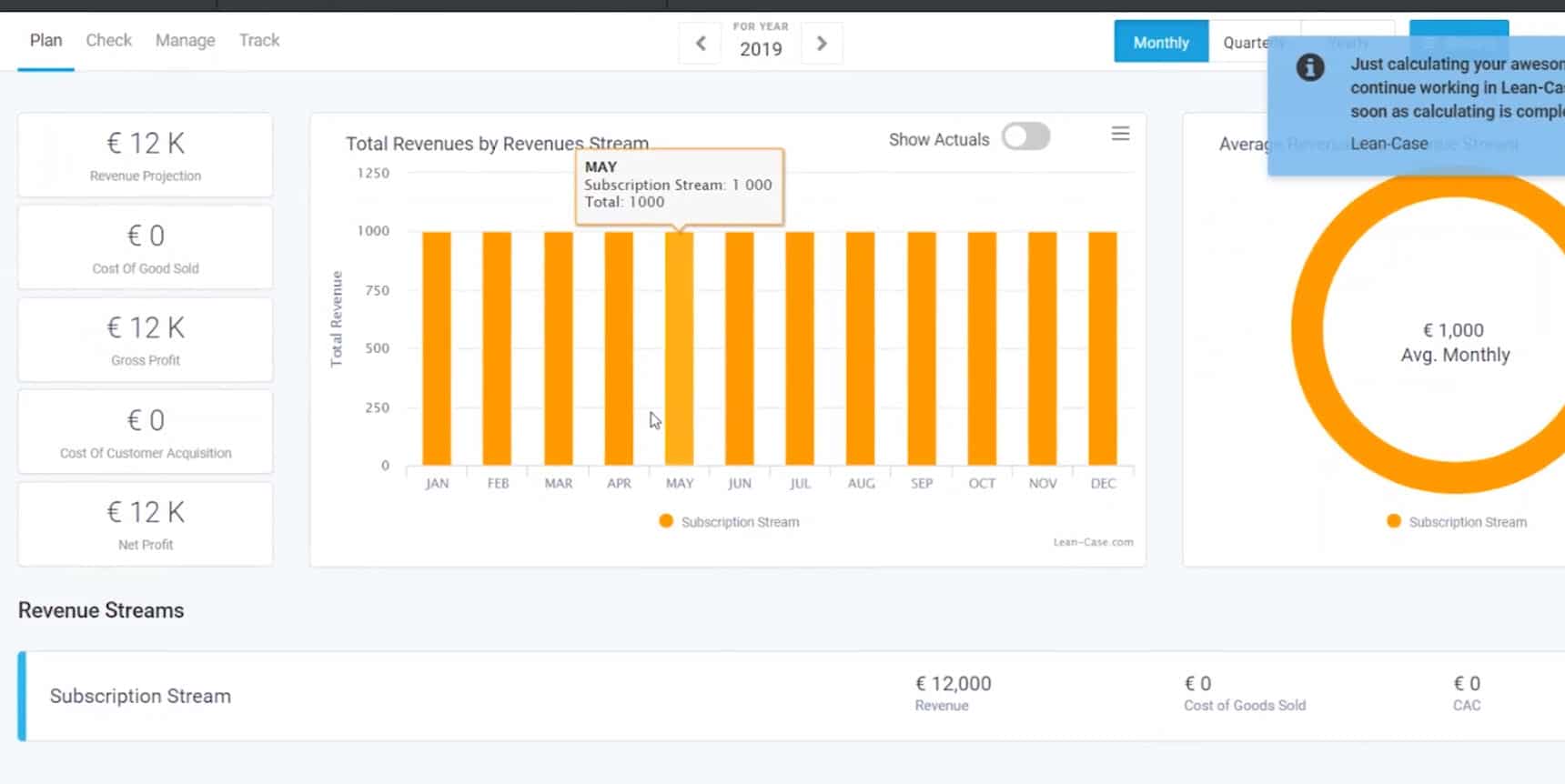
Enter Revenue Streams
Entering revenue streams allows you to model the customer lifecycle of “create leads – convert leads into paying customers – grow paying customers.”
Pick from subscription revenue streams, one-time revenue streams, pay-per-use revenue streams, and more. Enter as many revenue streams as you require.

02
Add Customer Conversions (Churn, Upgrades, Downgrades)
Customer movements occur when customers churn (e.g., cancel their subscription), upgrade their service, or downgrade.
Enter rates and rules for expected churn, or movements from one level of service to another. Rules can be linked to the type of product/service, contract plans, stage of customer lifecycle, and so on.
02
Add Customer Conversions (Churn, Upgrades, Downgrades)
Customer movements occur when customers churn (e.g., cancel their subscription), upgrade their service, or downgrade.
Enter rates and rules for expected churn, or movements from one level of service to another. Rules can be linked to the type of product/service, contract plans, stage of customer lifecycle, and so on.
03
Add Revenue Related Costs
Add revenue related costs, such as Cost of Goods Sold and client acquisition costs (made up of Costs of Selling, Costs of Marketing, and Cost of Leads.) Costs can be time or volume based. Select account to which costs should be assigned.


04
Check Unit Economics
Does our business model show a favorable ( > 3) CLTV to CAC ratio? Are the Months-to-Recover CAC less than 12 months? If not, what variables need to or could be changed, to move us towards a “Go” signal on the business model?
04
Check Unit Economics
Does our business model show a favorable ( > 3) CLTV to CAC ratio? Are the Months-to-Recover CAC less than 12 months? If not, what variables need to or could be changed, to move us towards a “Go” signal on the business model?
05
Gain Insights on How to Improve Numbers
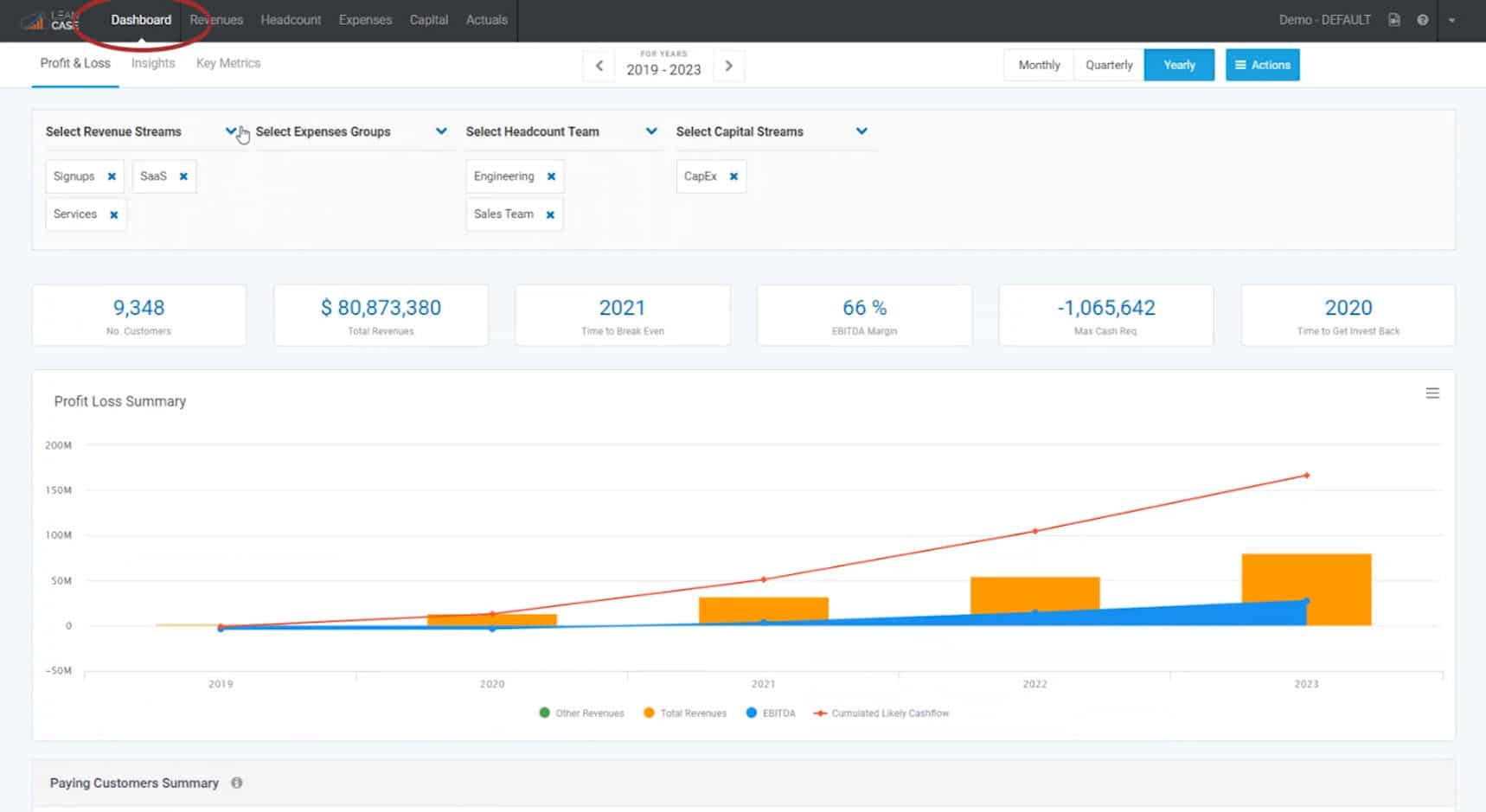
Review the combined Profit/Loss and Cash Flow Statements – Insights dashboard – and Key Metrics to gain insight on how to move your business plan forward and improve it’s numbers.

06
Run Business Viability Scenarios
Model scenarios – the way they occur in the real world – not on spreadsheets. Create, save, compare an unlimited number of project scenarios. Ask an unlimited number of “What If” questions.
06
Run Business Viability Scenarios
Model scenarios – the way they occur in the real world – not on spreadsheets. Create, save, compare an unlimited number of project scenarios. Ask an unlimited number of “What If” questions.
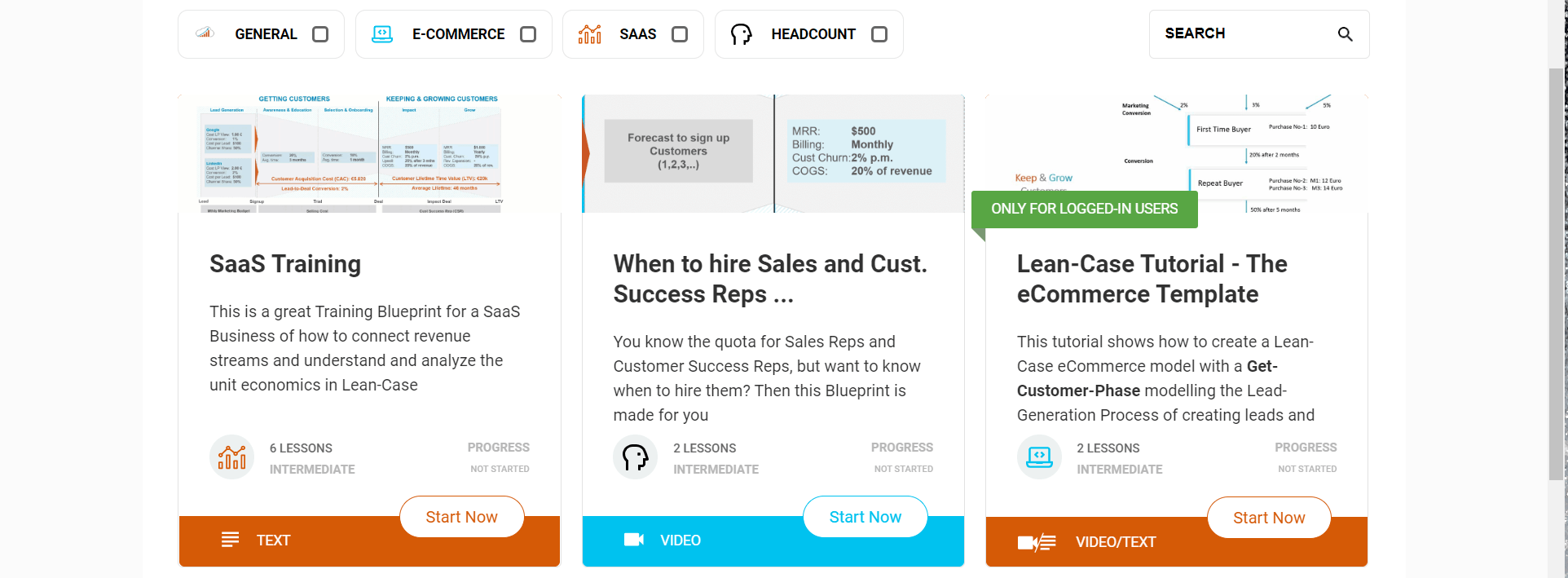
Option B: Use One of Our Business Plan Blueprints
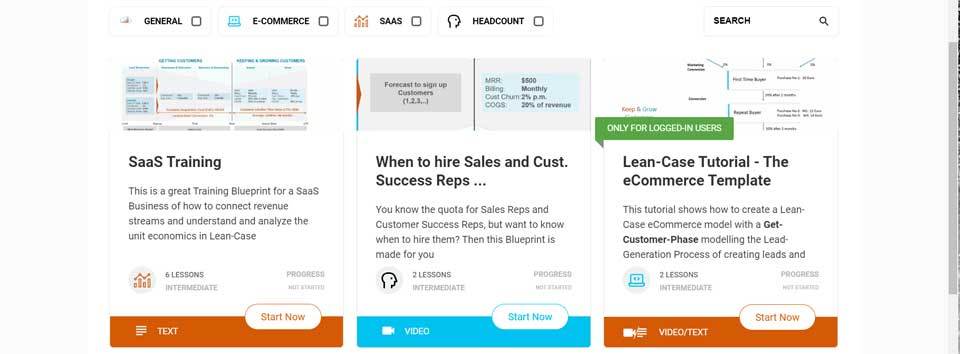
If you don’t have the time or expertise to create your business plan from scratch – simply pick from our growing list of business plan blueprints below. This comprehensive set of blueprints covers most scenarios we see in business.
However, if you don’t find a blueprint to match your business scenario – let us know and we’ll create it.
Once you’ve picked your blueprint – load it in Lean-Case and you’ll be well on your way to creating a comprehensive business plan – complete with alternate scenarios – and a full profile of your business numbers.
Growing List of Lean-Case Business Plan Blueprints:
Start Your FREE
Lean-Case 7-Day Trial Today...
Click on the “Start My FREE 7-Day Trial” button above… discover the viability of
any business idea in 20 minutes – and create your business plan in 2 hours or less…
(No "Excel Hell" required!)